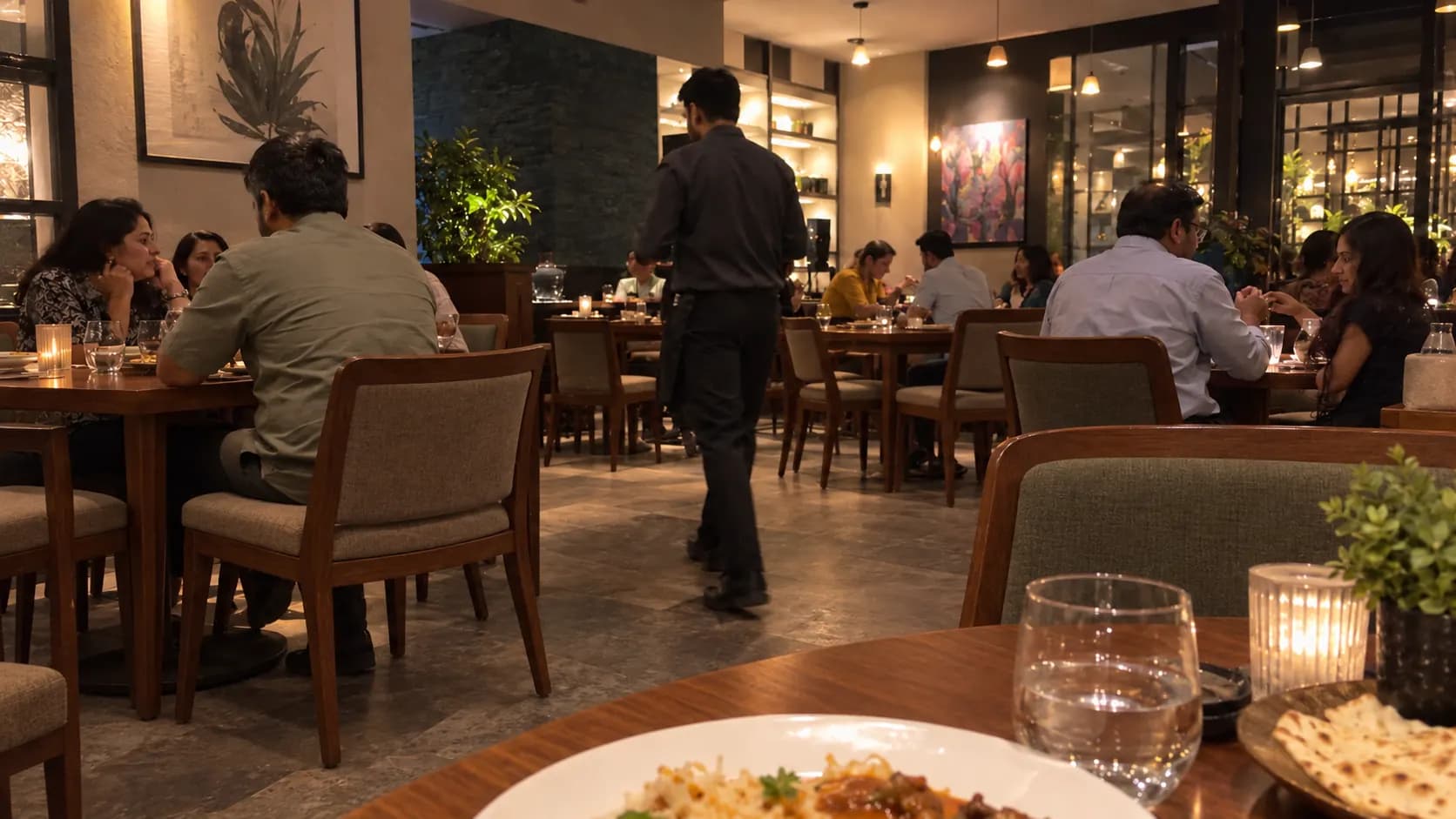
ప్రతి లొకేషన్లో ఎవరు ఏం చూడాలో మీరే నిర్ణయిస్తారు.
రోల్స్, పర్మిషన్లు, లొకేషన్ యాక్సెస్, బిల్లింగ్, సపోర్ట్ యాక్సెస్ సెట్ చేయండి. ఒక లొకేషన్ అయినా ఎక్కువ అయినా, ప్రతి మార్పు నమోదవుతుంది.
- Owner and admin access is protected.
- Every support visit is logged.
- Location rules are set in one place.
- Your plan decides which screens are on.

ఇది ఎలా పనిచేస్తుంది
సెటప్ నుంచి క్లోజింగ్ వరకు మూడు స్టెప్స్.
ఒక్కసారి సెటప్ చేయండి. సర్వీస్ అంతా వాడండి. షిఫ్ట్ అయిపోయాక చెక్ చేయండి.
01
Give each person a role
Owners, admins, and staff each get the right permissions.
02
Keep staff to their Location
Staff only see the Location and the work they handle.
03
Check the log
See every sensitive action and every time support looked in.
ఫ్లోర్ మీద
షిఫ్ట్లో ఇది ఎక్కడ ఉపయోగపడుతుంది.
రాత్రి 8 గంటలకు ఫ్లోర్ నిండినప్పుడు మీ టీమ్ రోజూ చేసే పనులు. డెమో కోసం కాదు.
- 01
A new hire
Give only the access the job needs.
- 02
Owner control
Keep admin settings and billing locked to owners.
- 03
Support access
Let our support team in only when you need help.
- 04
What your plan includes
Screens show up based on your plan and your Location setup.
3 చెక్స్
సర్వీస్ జరుగుతుండగానే మీరు చెక్ చేయగలిగేవి.
రష్ టైమ్లో ఇవి కనిపించకపోతే అది పనిచేయనట్టే. ఇక్కడ ఇవి ఆర్డర్ పక్కనే ఉంటాయి.
Roles
Owner/admin protected
Support
Every visit logged
Locations
Set in one place
ప్రశ్నలు
యజమానులు అడిగే ప్రశ్నలు.
ఇంకా సందేహమా? రెస్టారెంట్లు తెరిచిన అనుభవం ఉన్నవారితో 15 నిమిషాలు బుక్ చేయండి.
Can staff see only some screens?
Yes. Their permissions decide which screens they see.
Is support access logged?
Yes. Each visit is tied to a support ticket and a reason.
మీరు రెడీ అయినప్పుడు
ఈ రాత్రి షిఫ్ట్ను Zestyపై నడపండి.
Basic, Silver లేదా Goldపై 14 రోజుల పైలట్ మొదలుపెట్టండి. లేదా రెస్టారెంట్లు తెరిచిన అనుభవం ఉన్నవారితో 15 నిమిషాలు మాట్లాడండి.