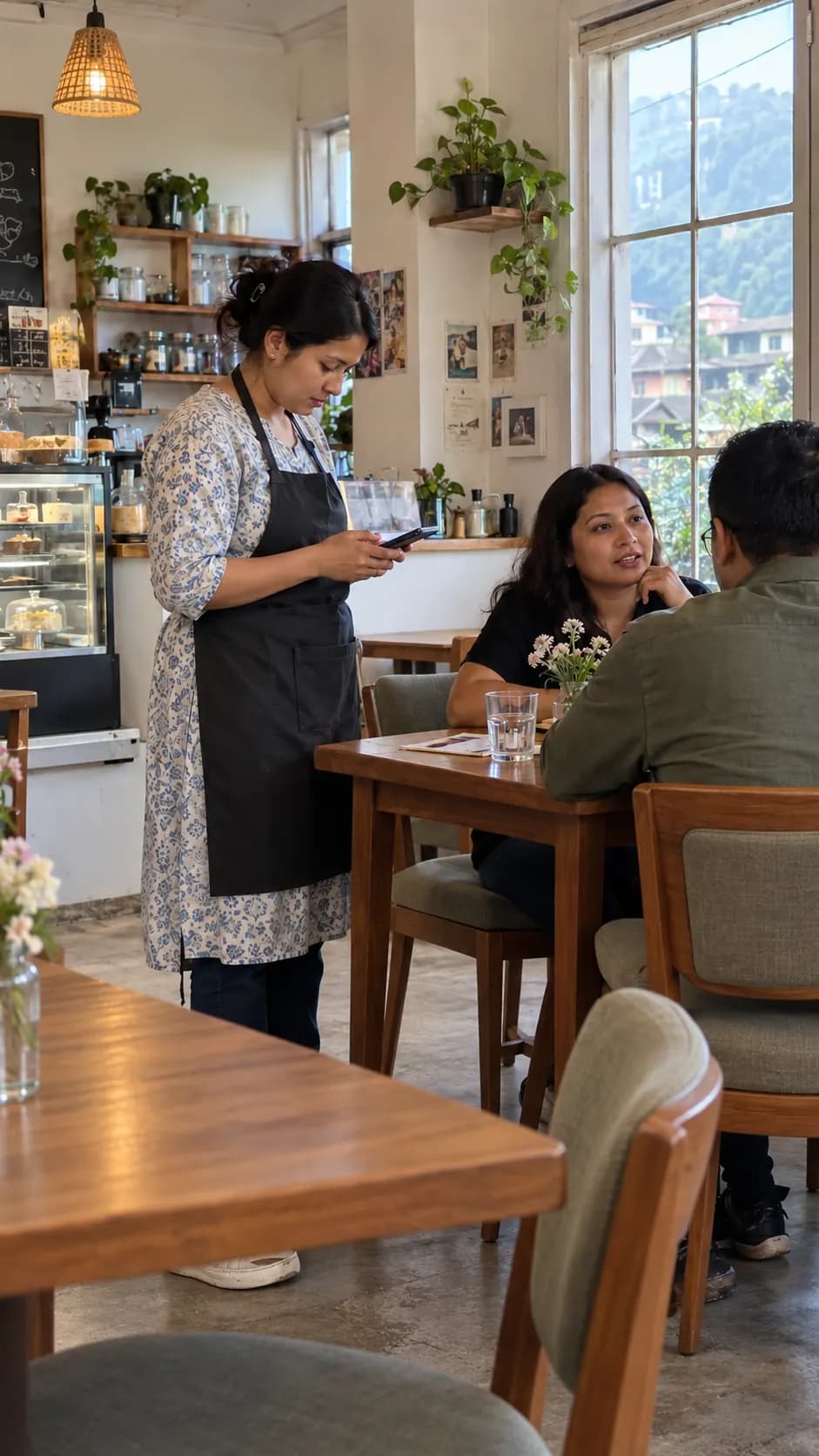
ప్రతి ఒక్కరి పనికి తగ్గ సింపుల్ స్క్రీన్లు.
షిఫ్టులు, ఆర్డర్లు, బిల్లింగ్, లొకేషన్ వివరాలు, ప్రతి రోల్కు కావాల్సినంత మాత్రమే.
- Each role gets its own screens.
- Staff and Location shifts stay visible.
- The phone app uses the same team and settings.
- Less clutter on every screen.

ఇది ఎలా పనిచేస్తుంది
సెటప్ నుంచి క్లోజింగ్ వరకు మూడు స్టెప్స్.
ఒక్కసారి సెటప్ చేయండి. సర్వీస్ అంతా వాడండి. షిఫ్ట్ అయిపోయాక చెక్ చేయండి.
01
Pick what each role sees
Turn on only the screens each staff role needs.
02
Clock in and get to work
Staff clock in, then take orders, bill, and use the shift desk.
03
Pass the shift on cleanly
The next team sees open orders and shift notes.
ఫ్లోర్ మీద
షిఫ్ట్లో ఇది ఎక్కడ ఉపయోగపడుతుంది.
రాత్రి 8 గంటలకు ఫ్లోర్ నిండినప్పుడు మీ టీమ్ రోజూ చేసే పనులు. డెమో కోసం కాదు.
- 01
Training new staff
Fewer screens make training quicker.
- 02
One-person cafe
Take the order, make it, bill it, and close, all on one screen.
- 03
Staff at one Location
Staff see only their own Location's data.
- 04
Closing the day
It's clear who ran each shift.
3 చెక్స్
సర్వీస్ జరుగుతుండగానే మీరు చెక్ చేయగలిగేవి.
రష్ టైమ్లో ఇవి కనిపించకపోతే అది పనిచేయనట్టే. ఇక్కడ ఇవి ఆర్డర్ పక్కనే ఉంటాయి.
Access
Screens per role
Shifts
Staff and Location view
Mobile
Same team settings
ప్రశ్నలు
యజమానులు అడిగే ప్రశ్నలు.
ఇంకా సందేహమా? రెస్టారెంట్లు తెరిచిన అనుభవం ఉన్నవారితో 15 నిమిషాలు బుక్ చేయండి.
Can staff use Easy Mode?
Yes. Admins can give chosen staff a simpler order and billing screen.
Does standard mode change?
No. Standard mode stays the same.
మీరు రెడీ అయినప్పుడు
ఈ రాత్రి షిఫ్ట్ను Zestyపై నడపండి.
Basic, Silver లేదా Goldపై 14 రోజుల పైలట్ మొదలుపెట్టండి. లేదా రెస్టారెంట్లు తెరిచిన అనుభవం ఉన్నవారితో 15 నిమిషాలు మాట్లాడండి.