
Basic
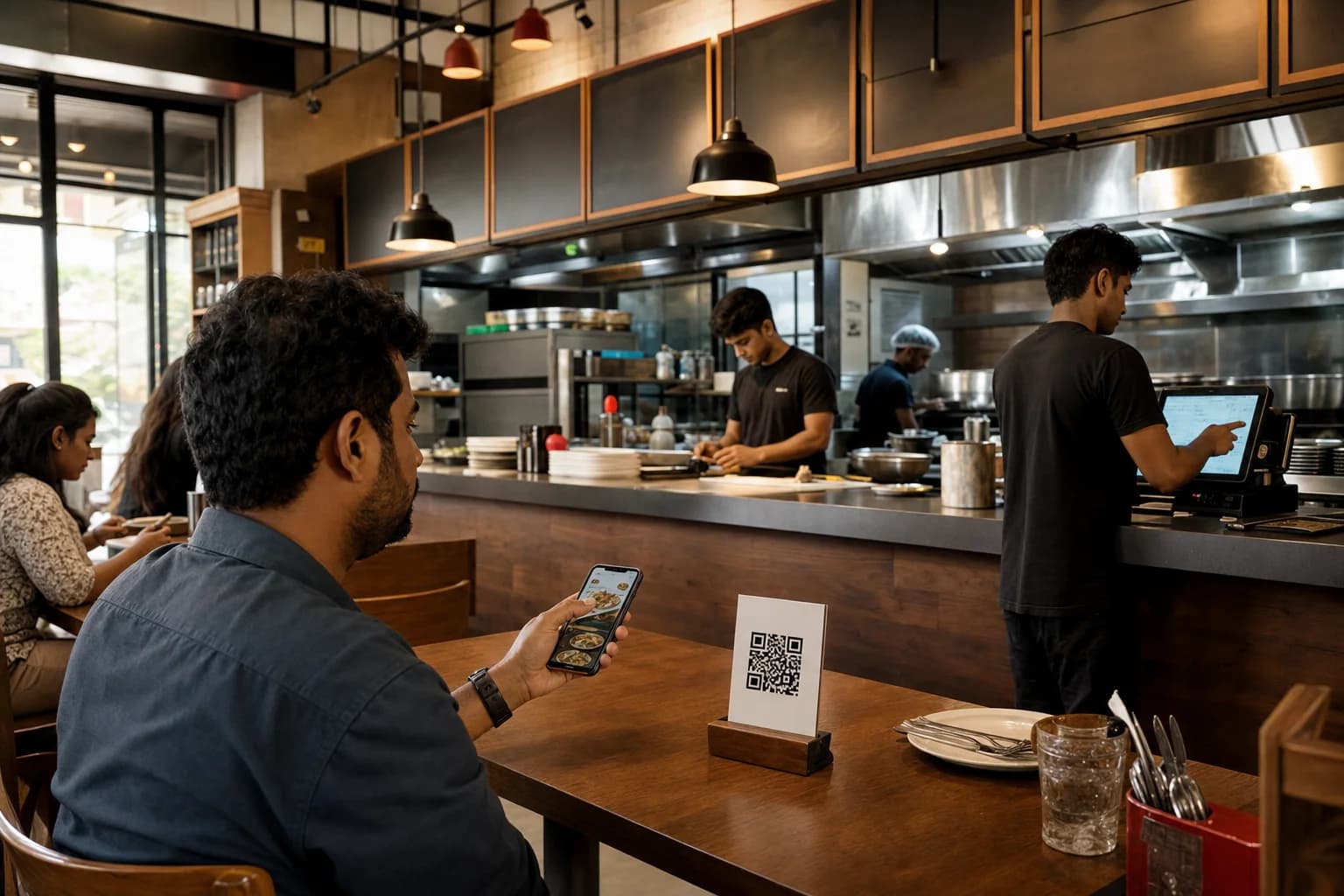
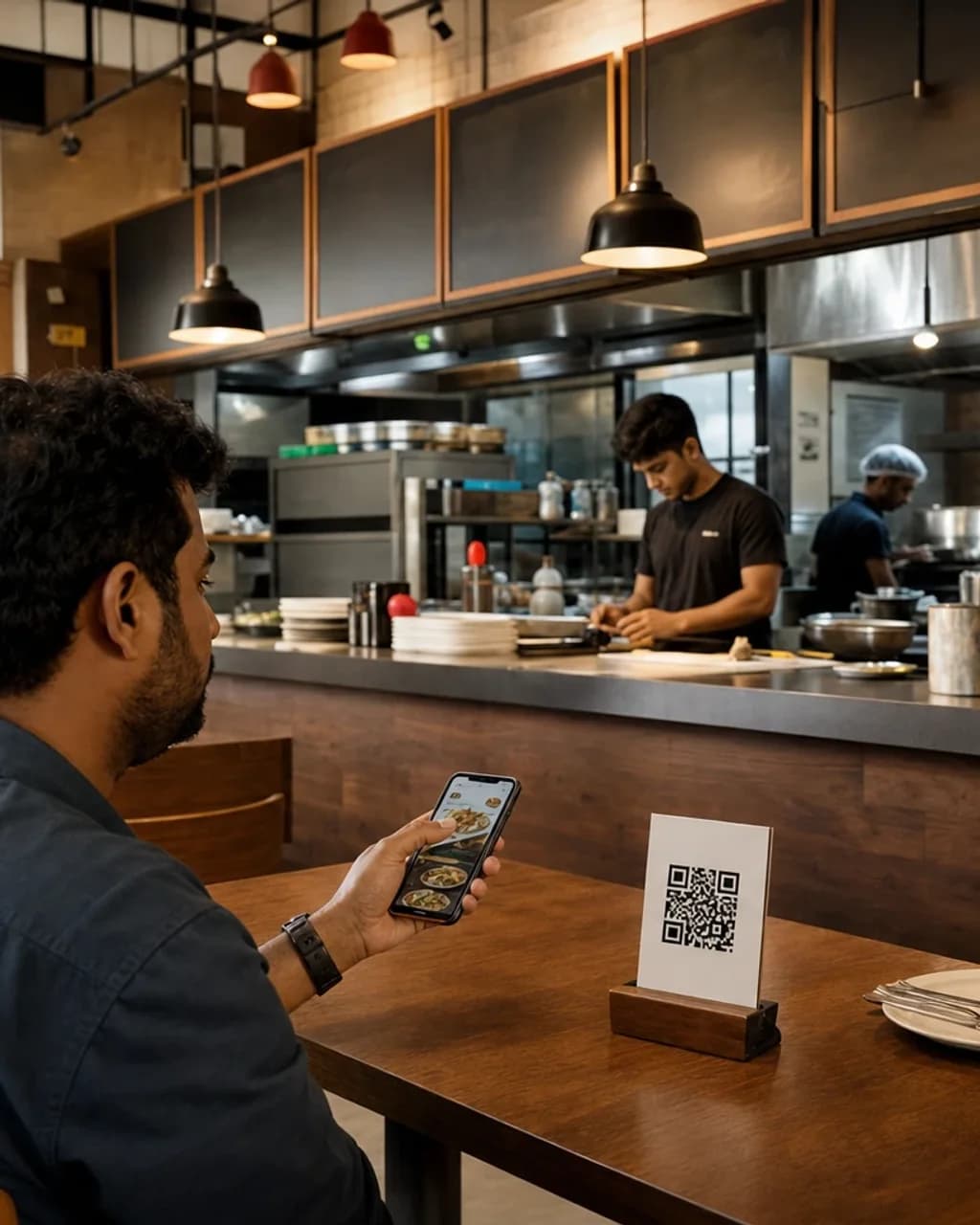
Counter POS on top of the QR menu.
₹1,499/ month
Start pilot- Everything in QR menu
- Counter POS and printed bills
- Lite kitchen display for incoming orders
- Inventory, customers, and alerts
- 1 Location · 3 staff logins
Orders, kitchen, bills, stock and day close. One record, not six apps. One store or twenty.
T04 · QR order placed
QR and counter
Order
Kitchen
Serve
Bill
Close
2× Ghee roast · 1× Filter coffee
Fired1× Biryani · 2× Lime soda
Served3× Vada · 1× Chai
Paid2× Ghee roast · 1× Filter coffee
Fired1× Biryani · 2× Lime soda
ServedSettled today
Covers
Sales by hour
QR and counter
Live on KDS
Day end
For single-Location cafés, QSRs, and restaurants, Zesty connects QR or counter ordering through kitchen, billing, inventory, and day close, and stays Location-ready when you add another location.
Your restaurant, live
Meet Zesty
Your POS keeps working. Your printers keep printing. Zesty connects them - or retires them. That call stays yours.
No rip-and-replace weekend. Zesty runs beside what you already have and fixes your worst hour first: the 8pm ticket pile-up, the stock that never tallies, the day-close that eats an hour.
Floor & service
Most floor staff are running service on it inside one shift.
Every table's state at a glance
Ordered, fired, served, settled - one board the whole floor reads the same way.
Change anything mid-service
Fire a course, split a bill, move a table or add a round without hunting for a manager.
7 of 12 seated · 2 bills waiting
Forget six-week rollouts
Day
1
Send the menu and floor plan. We mirror it - categories, variants, modifiers, tables and QR codes - before anyone touches a screen.
Menu · tables · QR codes
Day
2-3
Run a single section or the counter on Zesty during real service, with us watching the first rush with you.
First real service
Day
4-6
Printers, roles, discounts and station routing get adjusted overnight - not next quarter, not by change request.
Nightly adjustments
Day
7
Every table, ticket and payment on Zesty - and a day close that reconciles itself while you count the drawer.
Day close reconciled
Plans
14-day pilot on every plan, no card needed. Prices in ₹ per month for every Location on the plan, plus GST.
Counter POS on top of the QR menu.
Full service: kitchen, staff, and reports.
Campaigns, premium menus, and room to grow.
Governance across every Location.
Coming soon · Mobile apps
The same record the counter is working from - on the phone in your hand. Native apps for iOS and Android land this quarter.
Early-access restaurants get the beta first - no extra cost on any plan.
Got questions
Start on one counter or one section, not the whole floor. Your team runs real service on Zesty in the first week, so you learn whether it fits in days rather than after a quarter of meetings. If it does not fit, you have lost a week - not a licence, an AMC and a season of goodwill.
Each screen shows only what that role needs at that step - a server sees tables and courses, the kitchen sees tickets, the cashier sees the bill. There is no training binder; most teams are running service on it inside one shift.
Orders, kitchen tickets and billing keep working on the device and sync the moment the line returns. Service does not stop because the connection did.
You do not have to replace it on day one. Point Zesty at the thing costing money now - the ticket pile-up, the stock leak, the hour-long close - and keep the POS running until the numbers make the decision for you.
Usually not. A tablet or PC at the counter, your existing KOT printer and staff phones cover most restaurants. We check your setup before day one and tell you if anything is genuinely missing.
Ready when you are
Start a 14-day pilot, or take a fifteen-minute walkthrough with someone who has opened restaurants.