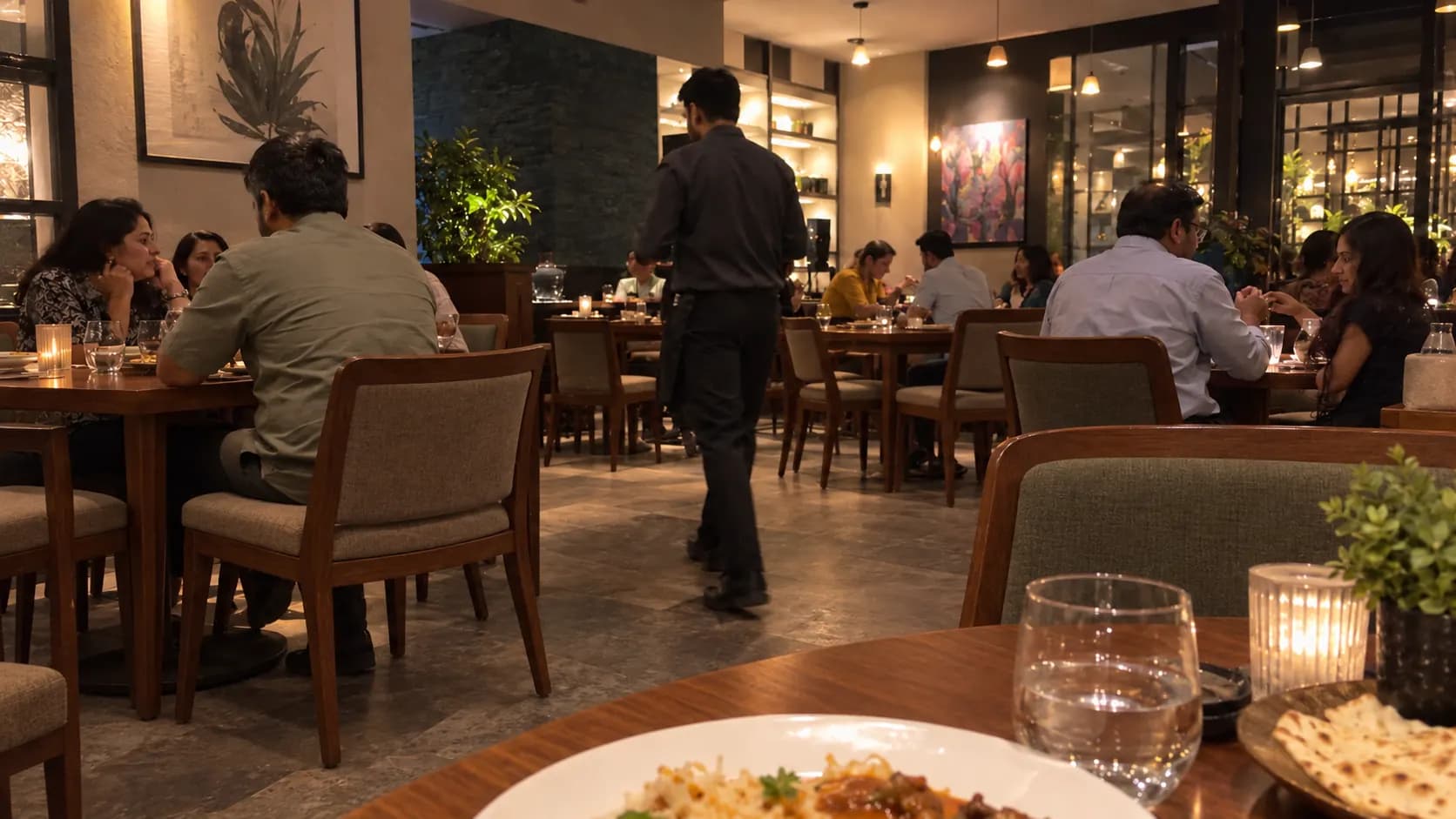
You decide who sees what, at every Location.
Set roles, permissions, Location access, billing, and support access. Every change is logged, for one Location or several.
- Owner and admin access is protected.
- Every support visit is logged.
- Location rules are set in one place.
- Your plan decides which screens are on.

How it works
Three steps, from setup to closing time.
Set it up once. Use it all through service. Check it when the shift ends.
01
Give each person a role
Owners, admins, and staff each get the right permissions.
02
Keep staff to their Location
Staff only see the Location and the work they handle.
03
Check the log
See every sensitive action and every time support looked in.
On the floor
Where it helps during a shift.
The things your team does every night at 8pm with a full floor, not in a tidy demo.
- 01
A new hire
Give only the access the job needs.
- 02
Owner control
Keep admin settings and billing locked to owners.
- 03
Support access
Let our support team in only when you need help.
- 04
What your plan includes
Screens show up based on your plan and your Location setup.
3 checks
What you can check during service.
If you can't see these in a rush, it isn't working. Here they sit right next to the order.
Roles
Owner/admin protected
Support
Every visit logged
Locations
Set in one place
Can staff see only some screens?
Yes. Their permissions decide which screens they see.
Is support access logged?
Yes. Each visit is tied to a support ticket and a reason.
Ready when you are
Run tonight's shift on Zesty.
Start a 14-day pilot on Basic, Silver or Gold. Or book 15 minutes with someone who has opened restaurants.